 SCENE.GURU
Up to five minutes: short films, memories, presentations, and personal stories — bring the past to life, rewrite it, or write the future.
Sign in, answer a few questions, and try it on a short story.
Make series of up to five minutes. Upload your photos once. Scene Guru remembers the names and the roles in every episode.
You don’t need any experience with AI. Just tell your story and press CREATE.
Buy credits when you need them. There is no monthly fee. A finished 1-minute movie costs ~$15.
Write it yourself, or ask the AI assistant to help you. You can make up a story together or talk about history.
Upload photos of the people, places and things you want to see in your video.
Watch your story as a slideshow with pictures, voices and music before making the video.
Change the words, voice or picture in any scene.
When you’re happy with the slideshow, add motion to make your video.
Make a wide video for YouTube or a vertical video for your phone. The other shape is only $1 more.
Create a version with voices in another language. Your original video stays unchanged.
Write your story, add photos and share your video from your phone.
Start another video while the first one is being made. You can close the page while you wait.
Ask the help assistant a question, or contact us if you need more help.
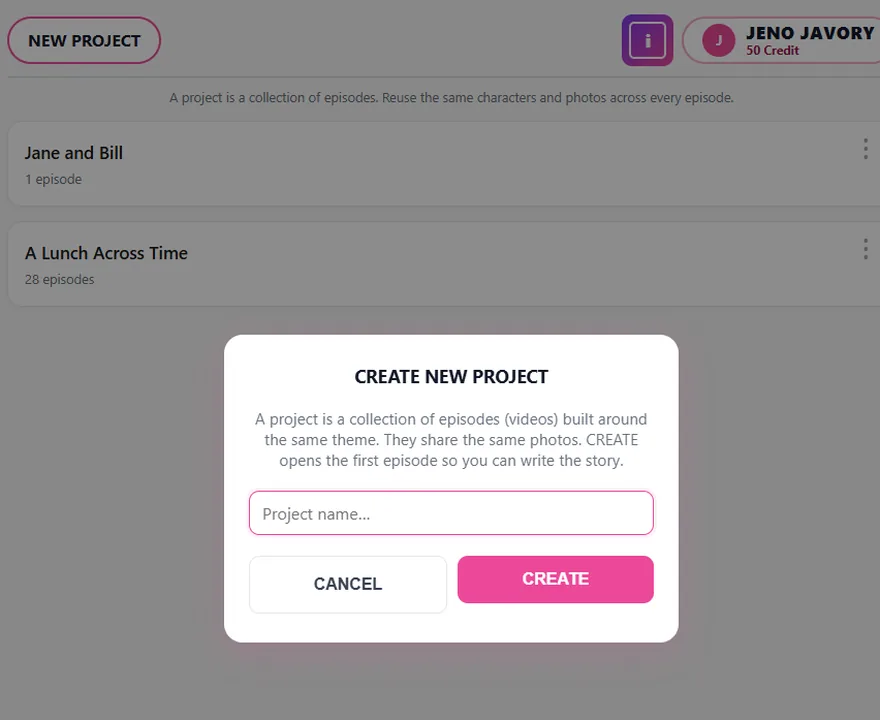
Give it a name. Your photos and characters stay in it for every episode.
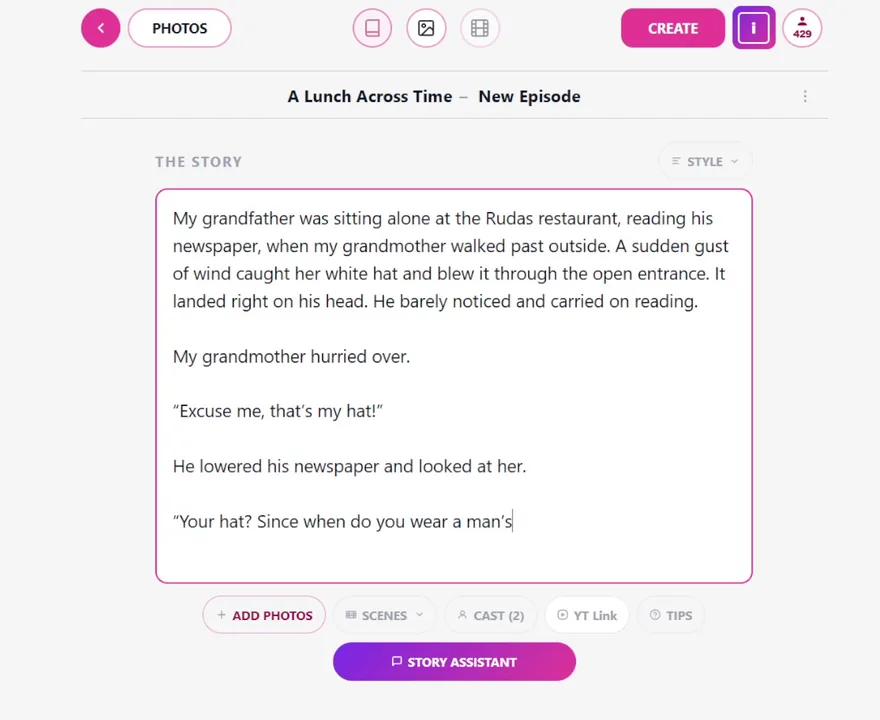
Type it the way you would tell it.
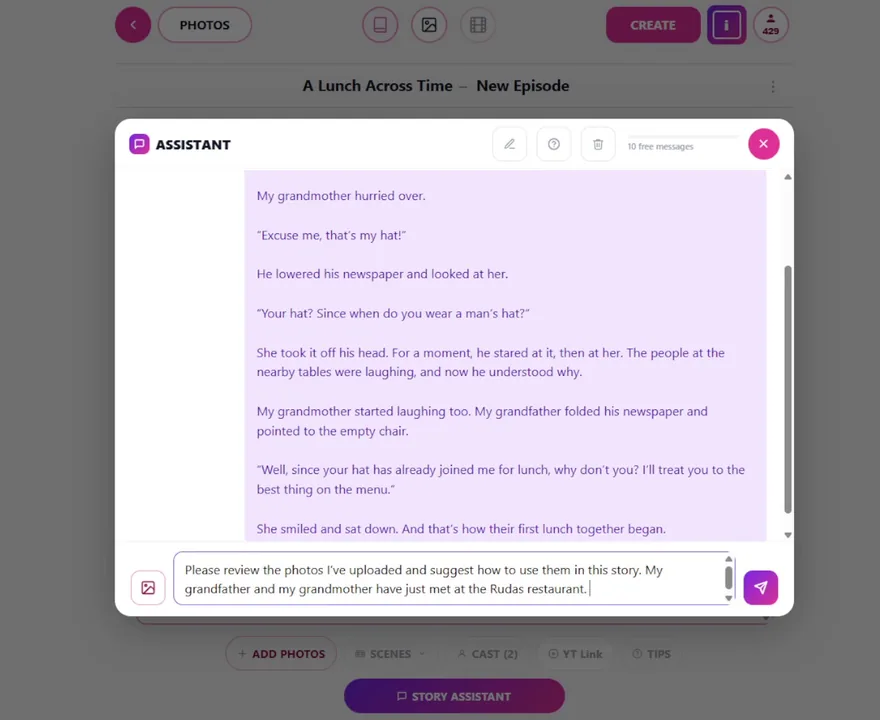
Tell your idea to the AI Story Assistant. Make up a new story together, or start from a moment in history.
Family video, restaurant, shop or business presentation? Upload photos of your people, your place and your things. Drop them in or take them with your phone. Scene Guru recognizes and sorts them by itself.
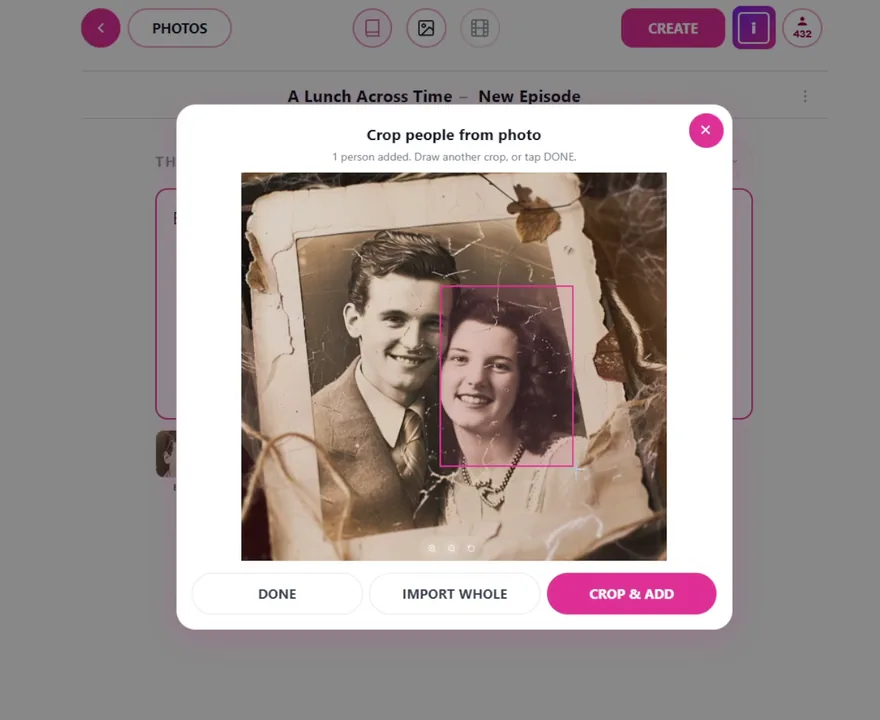
Give every person a name and a role.
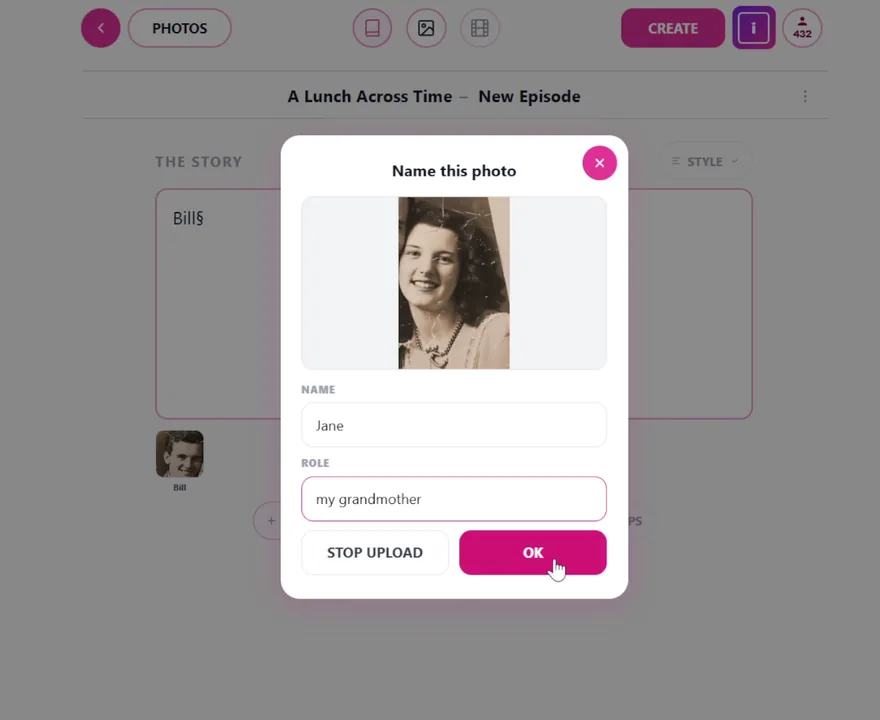
Each one has a name, a role and a voice.
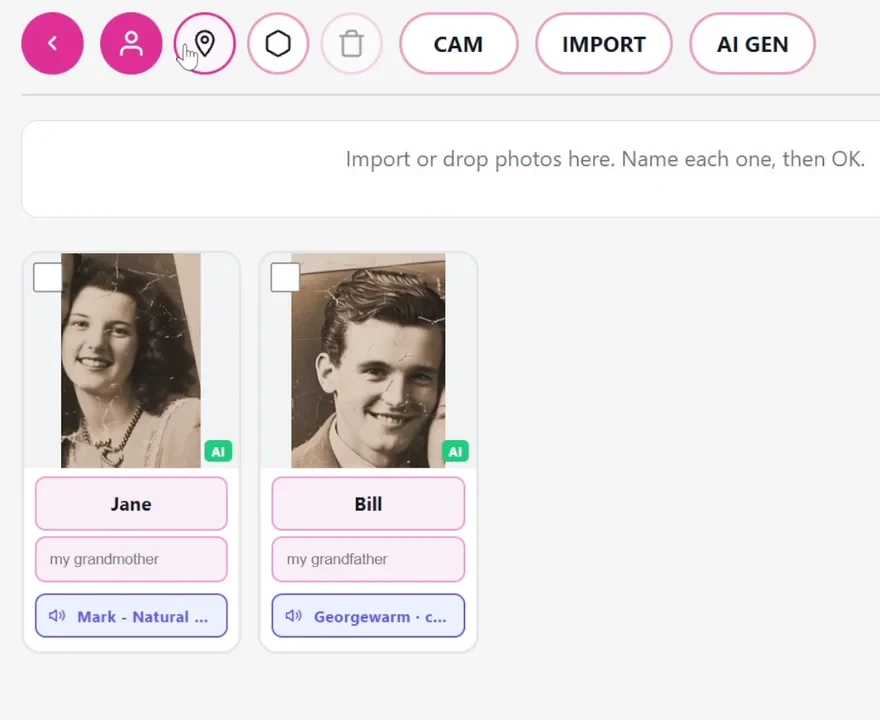
Preview the voices and choose the one that fits.
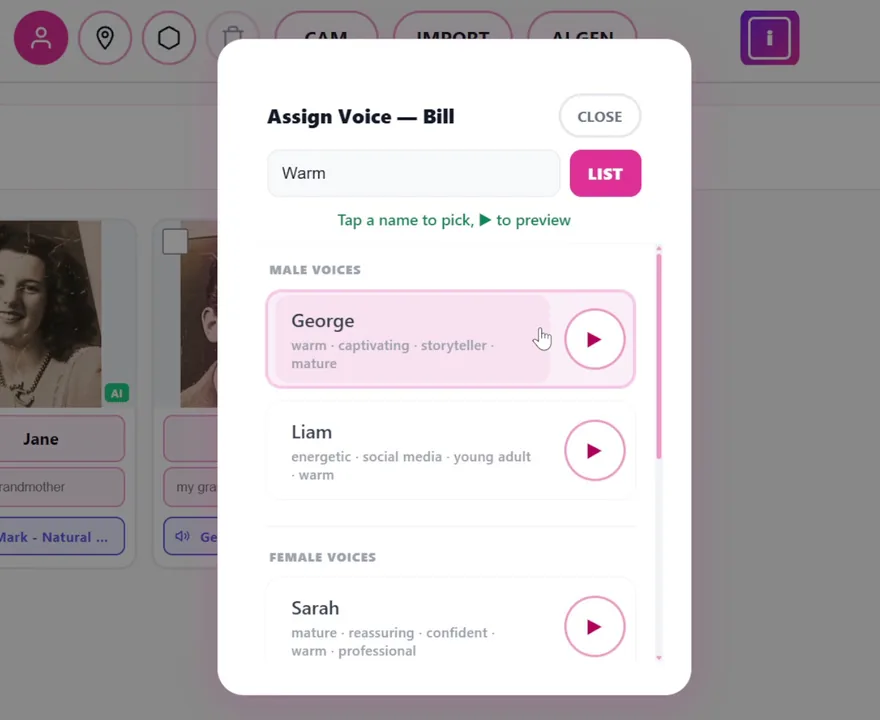
Every place photo is described the moment you upload it.
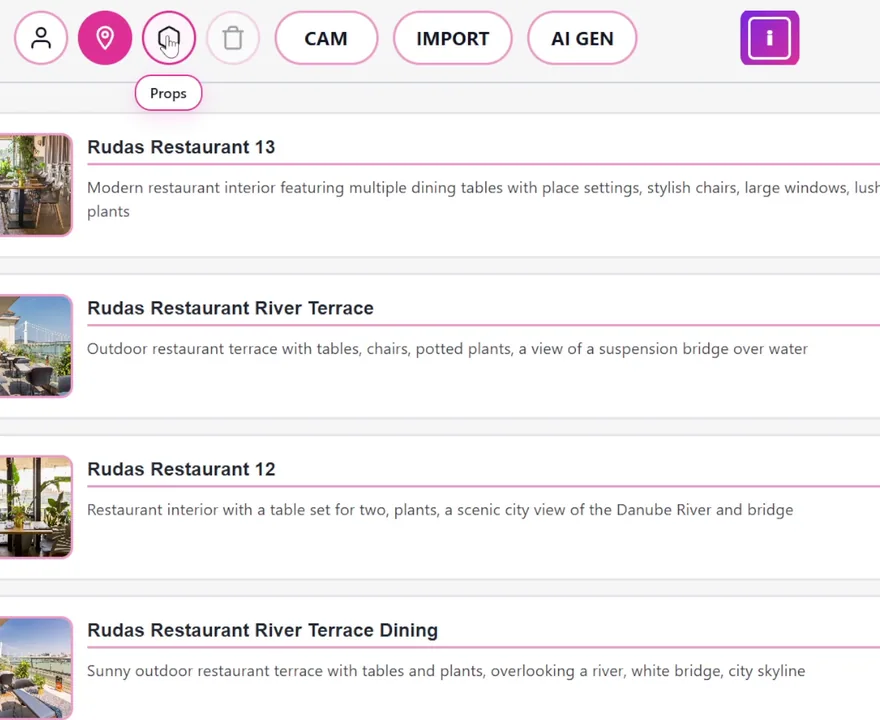
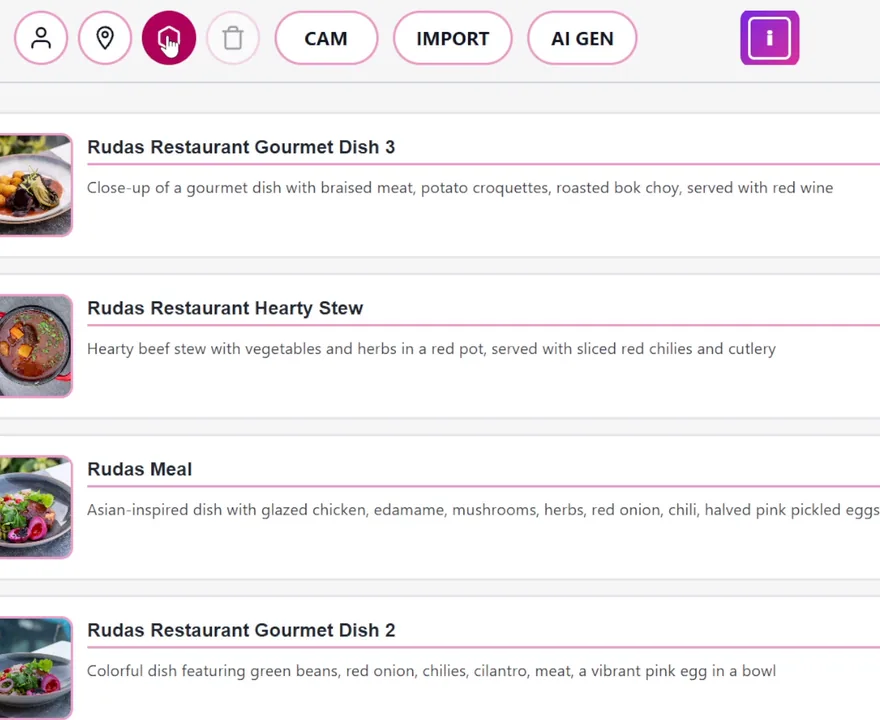
Food, objects, props: sorted and described for you.
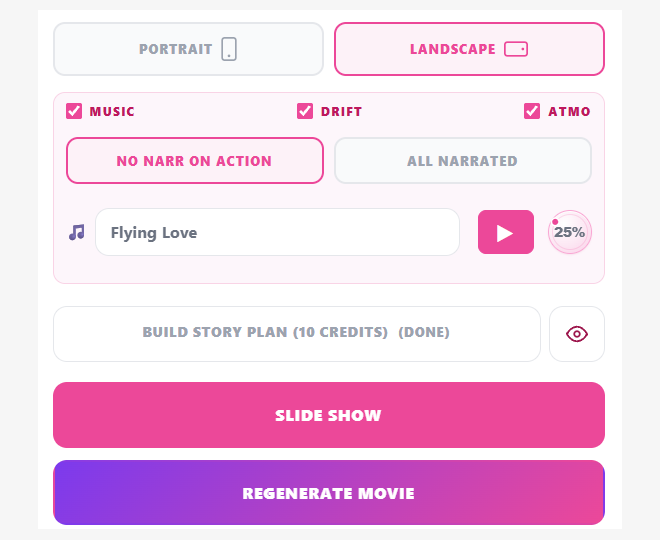
Wide or tall, music, sounds around the scene. Then the slide show, or go for the movie.
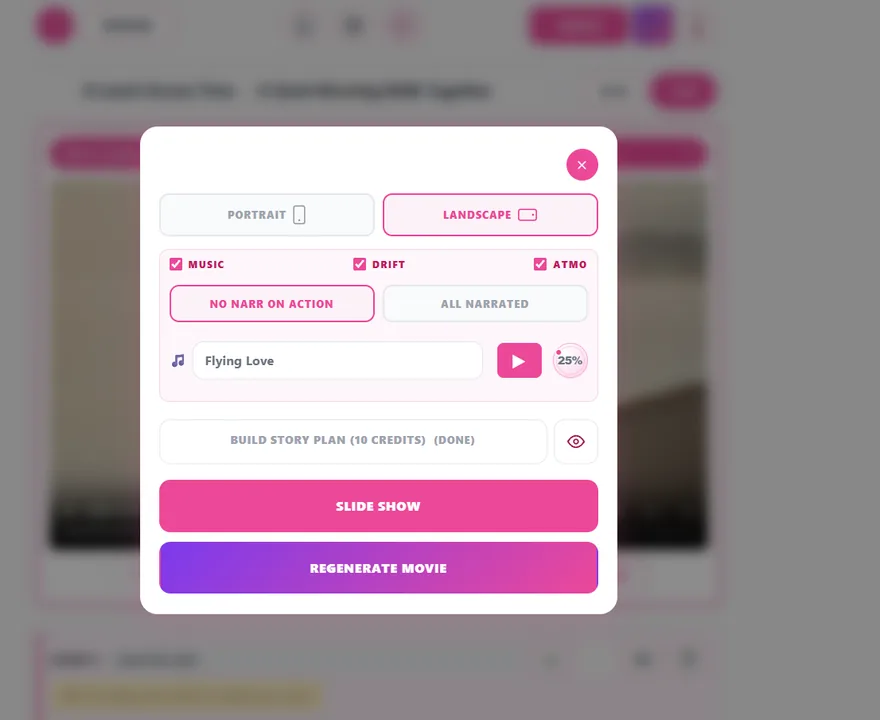
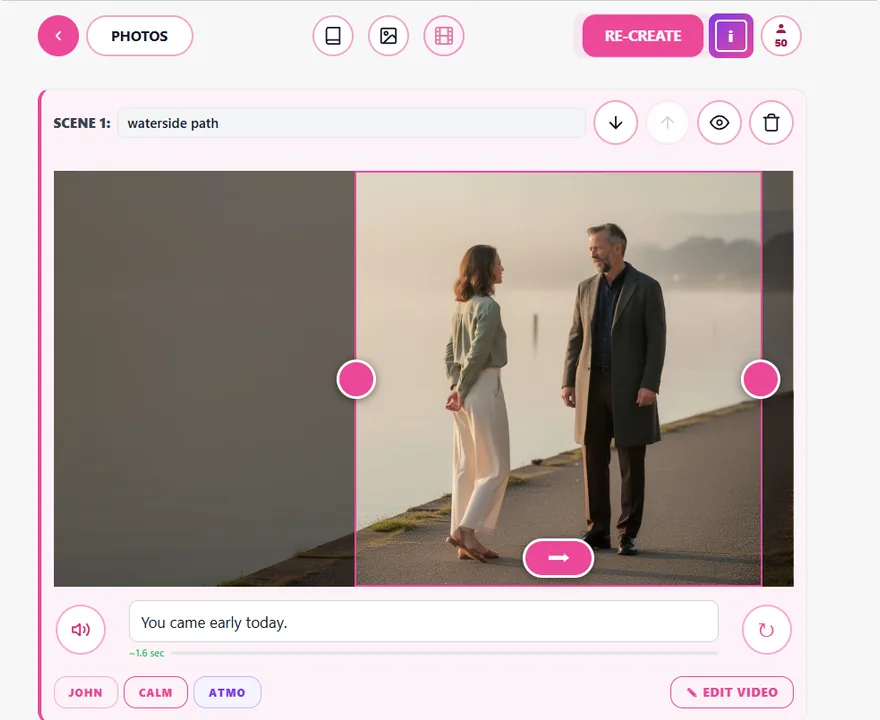
Made for TikTok, YouTube Shorts and Instagram Reels. You choose which part of the picture stays.
Press SLIDE SHOW. You get your story with pictures, voices and music, and it costs less than the movie.
Close the page if you like. Your video keeps being made, and you can check back any time.
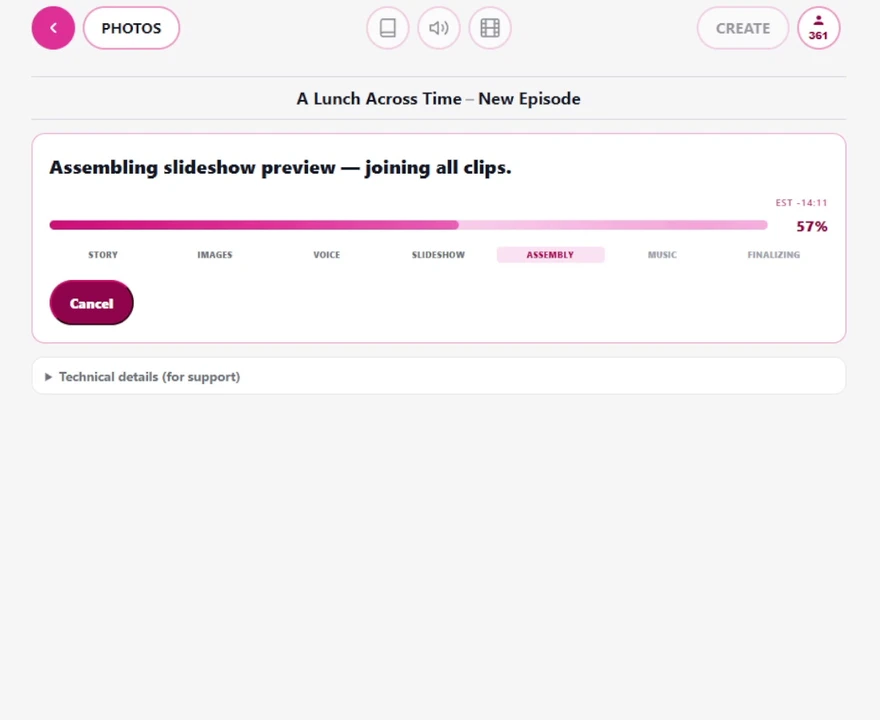
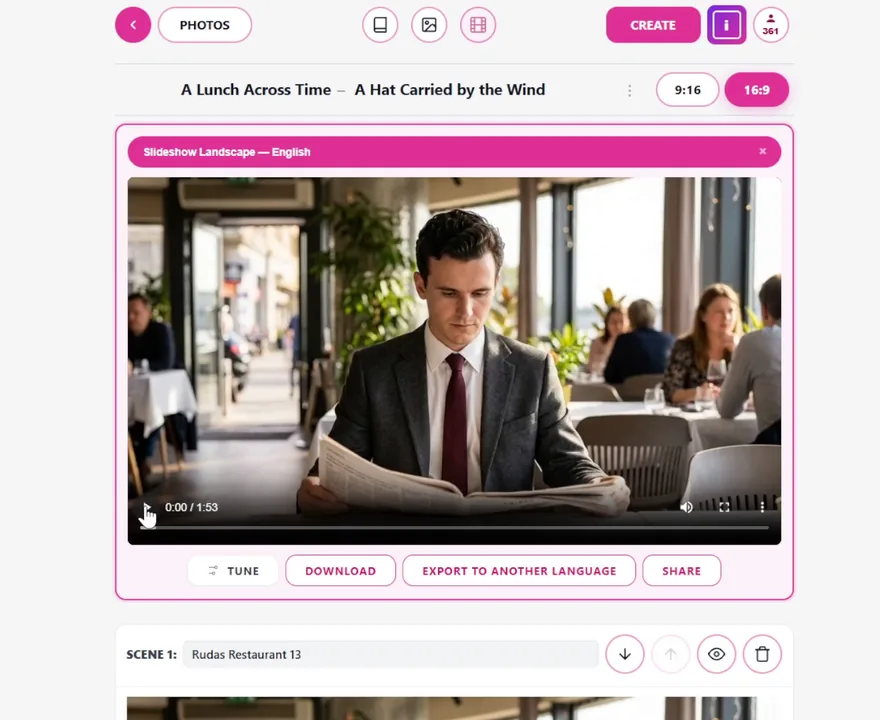
You hear the voices, the music and the narration, just like in a movie. Download it or share it.
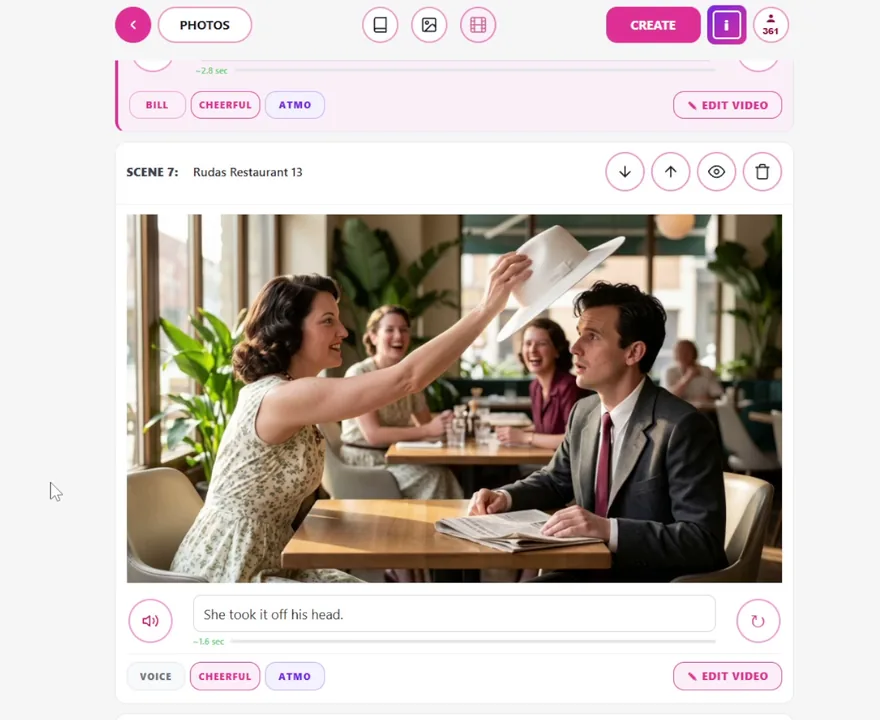
Each scene has its own picture, words, voice and sound.
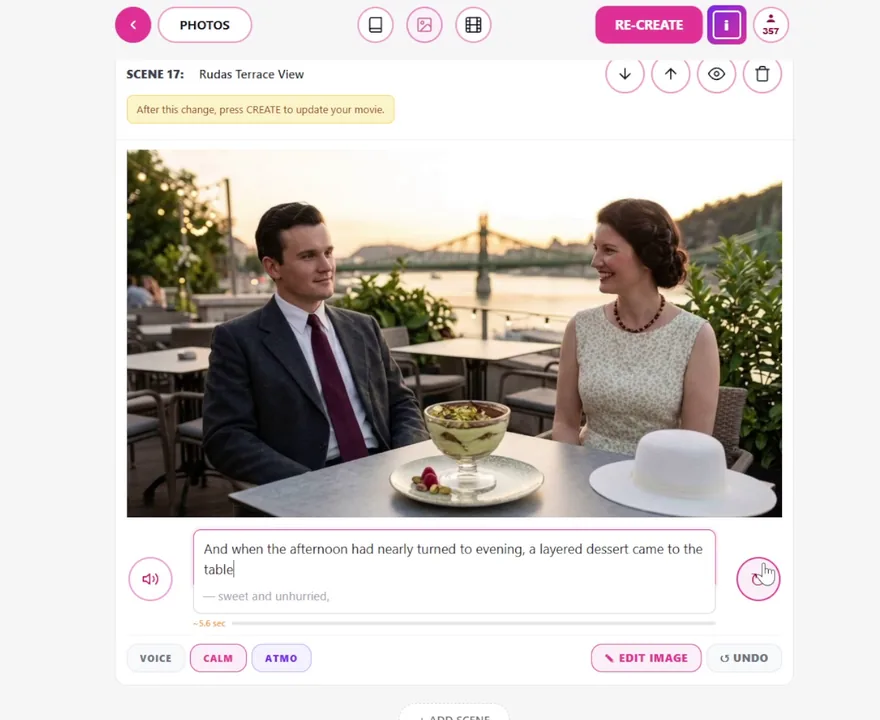
Fix the line, then renew the voice with one tap.
Tell it in your own words what to fix.
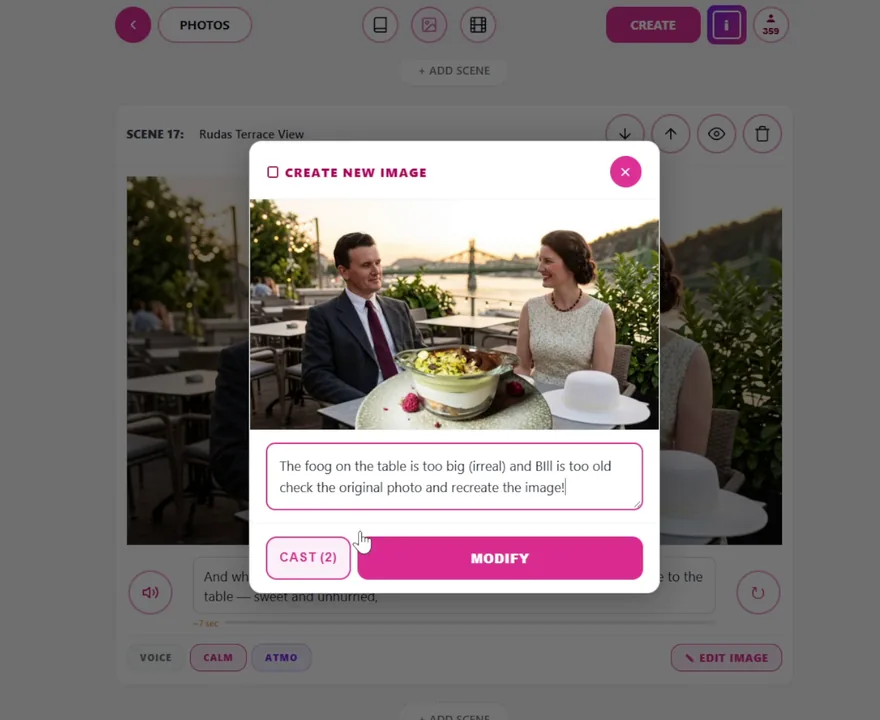
Smaller dessert, younger man. Just as you asked.
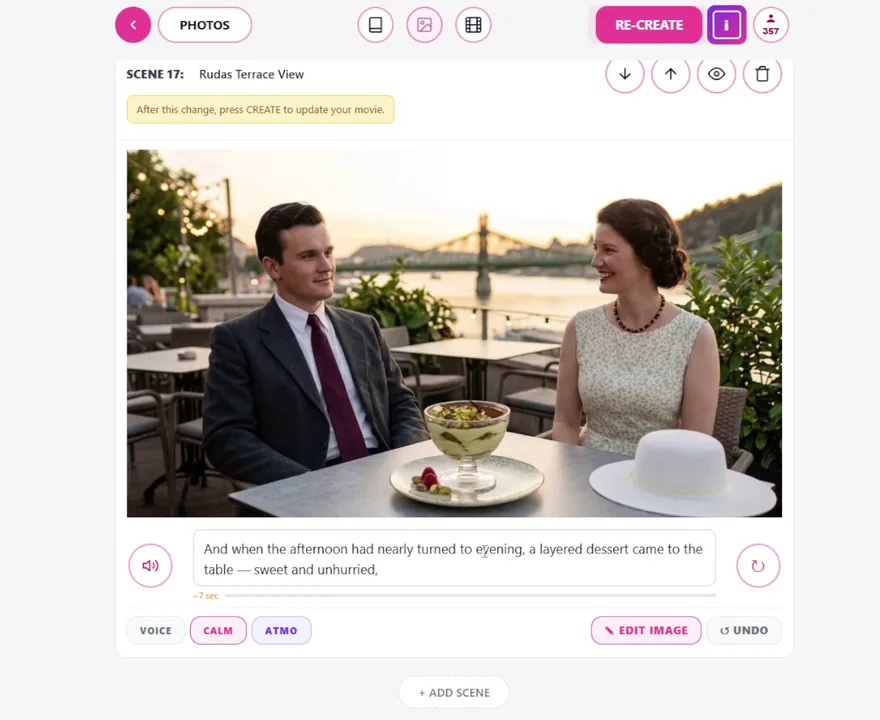
Too big? Say so.
The logo is smaller.
The pictures, voices and music you checked stay as they are. The movie only adds the motion.
Every video here started as a few written lines. Press play and see what yours could become.
Just your story, written in plain words. Photos are welcome but not required.
Yes. Add your people, places and things once, and they appear just like that in your movie.
Yes, all of it. Write, take photos with your camera, and share your movie straight from your phone.
No. Scene Guru is made for everyone, young or old. Tell the story that is on your heart, the way you would tell it to a friend.
A finished 1-minute movie costs ~$15. The other shape, wide or vertical, is only $1 more.
No subscription. You buy credits when you need them and pay only for what you make.
Write the first line and watch it become your movie.
Start my movie Get 50 creditsSign in, answer a few questions, and try it on a short story.
Open the Terms and the Privacy notice and read them. The pictures and the movie are not always right. MediaJam OÜ keeps your email and the films you make so the account works. You can download your data or delete your account in your profile. A complaint goes to the Estonian Data Protection Inspectorate.